

Control your print-on-demand business with AI
Connect Claude or ChatGPT with Shirtigo and use the AI to manage your print-on-demand business in the chat.
Works with your preferred AI

Your personal print-on-demand AI assistant
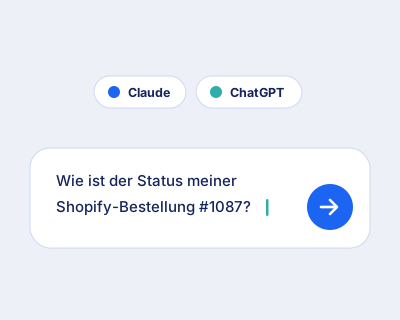
Ask your AI
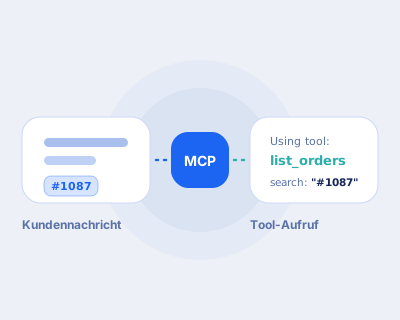
MCP server translates
Shirtigo leads out
Your daily business, done in chat
Process open orders
You can see at a glance which orders cannot be delivered to the address, and you can follow up specifically.
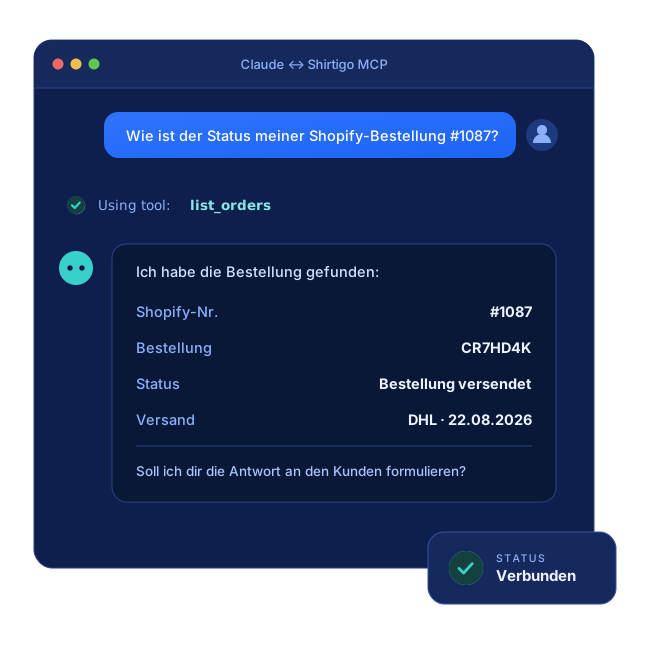
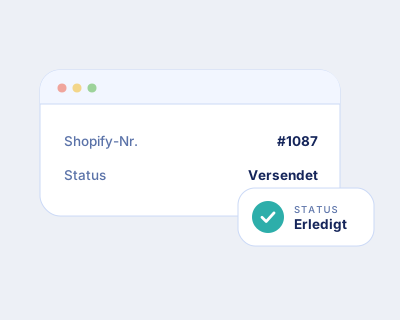
Answer delivery status
The assistant looks up the order and gives you the status and tracking number. The response to the customer is thus written in seconds.
Create order directly
The assistant first calculates the order and only creates it bindingly after your confirmation.
Check prices before confirming
The assistant calculates the complete order including shipping before you name a price to the customer.
All tools for your automated print-on-demand business
Products
Orders
Shops
Account
Frequently asked questions
Can I use the MCP server only with Claude and ChatGPT?
No. MCP is an open standard and not a product of a single provider. Any client and any agent that supports MCP can be connected. In addition to Claude and ChatGPT, this includes, for example, Perplexity, Mistral Le Chat, or a self-built agent. We only mention Claude and ChatGPT on this page because they are the most widely used.
Do I need a paid subscription for Claude or ChatGPT?
That depends on your AI client, not on Shirtigo. Custom Connectors already work in the free plan at Claude, but only one at a time. Pro, Max, Team, and Enterprise allow multiple. For ChatGPT, you need a Business, Enterprise, or Edu plan: Your own MCP connections run through the developer mode, which can only be unlocked by Workspace admins. According to OpenAI, it is not included in Plus and Pro. The Shirtigo MCP server itself costs you nothing extra; it belongs to your Shirtigo account.
How complicated is the setup?
In just a few minutes and without programming knowledge. You create a custom connector in your AI client and enter the server URL. After that, you register once with Shirtigo and confirm the access. From then on, you can tell your assistant in normal language what to do.
What data does the AI see?
The server works exclusively on your own Shirtigo account: orders, collections, product catalog, and account balance. Each request goes through your authentication. The AI sees nothing that you do not already have access to, and no data from other accounts.
Can the AI also place orders?
Yes. The server can create binding orders, but never unnoticed: The entire order is calculated beforehand, and the order only comes into existence when you confirm the total price. Pure information such as delivery status, price calculations, or clarification overviews do not change your data.